
01
Pick a visual state
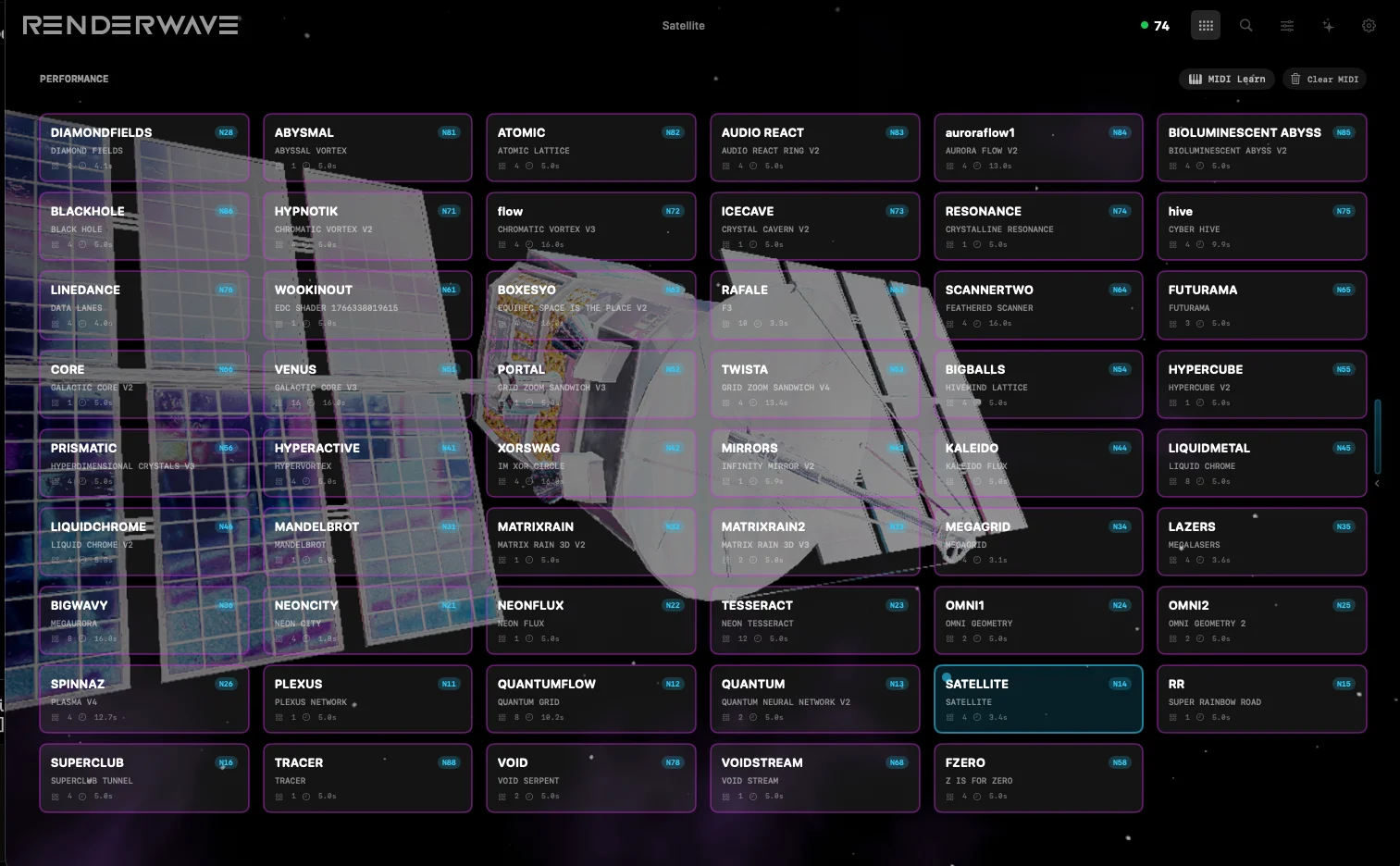
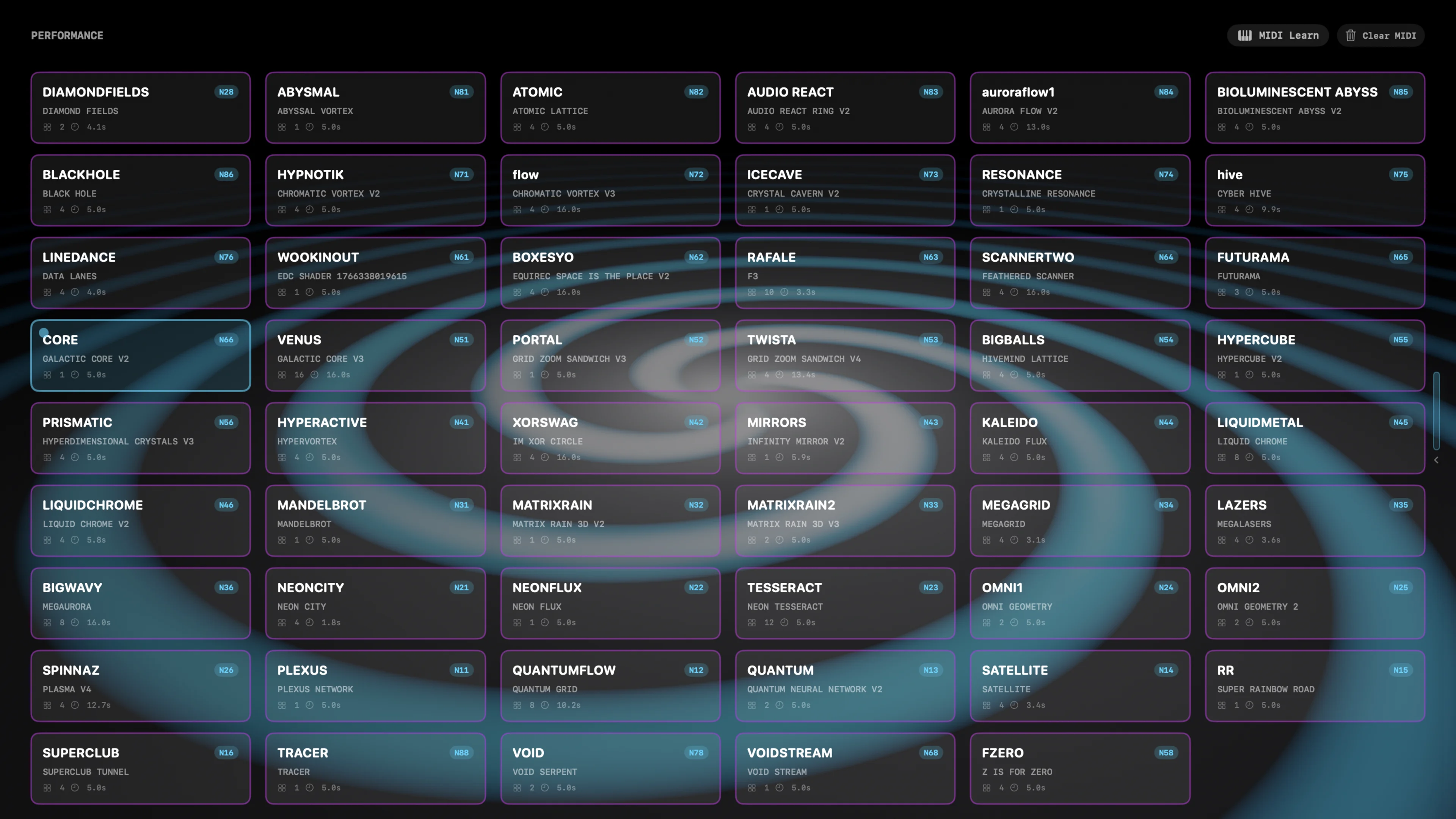
Start from the shader library instead of a blank patch. Performance Mode keeps the grid readable when the room is moving.
RenderWave turns an M-series Mac into a real-time visual engine: pick a shader, make it react to the music, and send it to any screen without leaving one native app.
14-day full-access trial. Card required. Cancel before day 15 and you will not be charged.
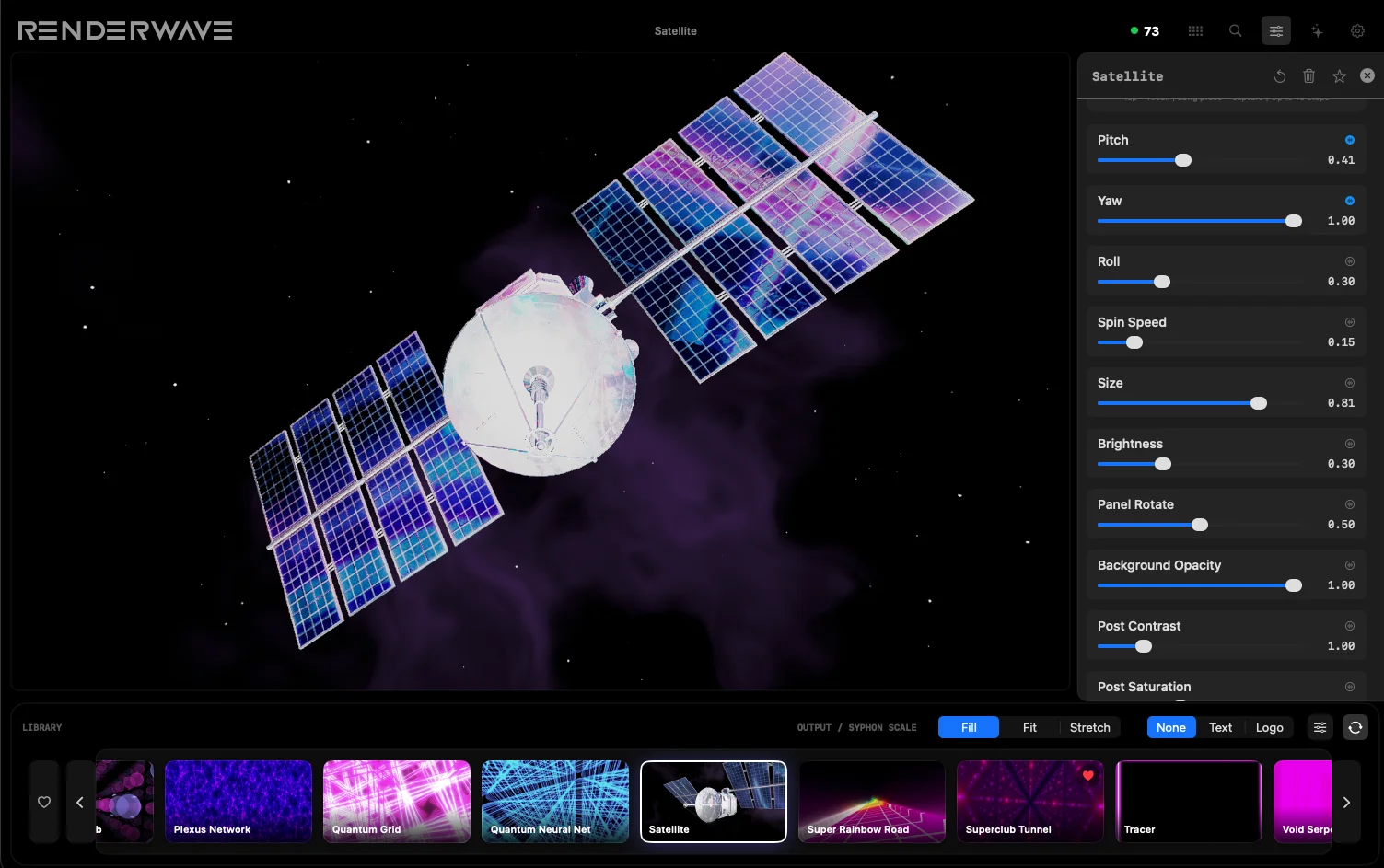
If you are on a modern Mac and need real-time visuals for a club, livestream, installation, or DJ set, the first decision is workflow. RenderWave is the shader-first option: pick a visual, shape it, sync it, and route it without building a modular rig from scratch.
The comparison below uses official vendor pages as primary sources, with figures re-verified August 31, 2026 where vendors publish public pricing. Sale pricing and taxes can change, so source links stay visible.
Start from the shader library instead of a blank patch. Performance Mode keeps the grid readable when the room is moving.
Route bass, mid, mid-high, or high energy into parameters with modulation depth you can actually control.
Use Ableton Link beat and bar phase sync for timing, then drive preset changes from MIDI.
Use direct output, Studio custom resolution, overlays, or Syphon routing into mapping and capture tools.
Performance Mode is built around fast preset recall, visible state, MIDI control, and minimal chrome. It is not a blank modular canvas you have to assemble before the show.
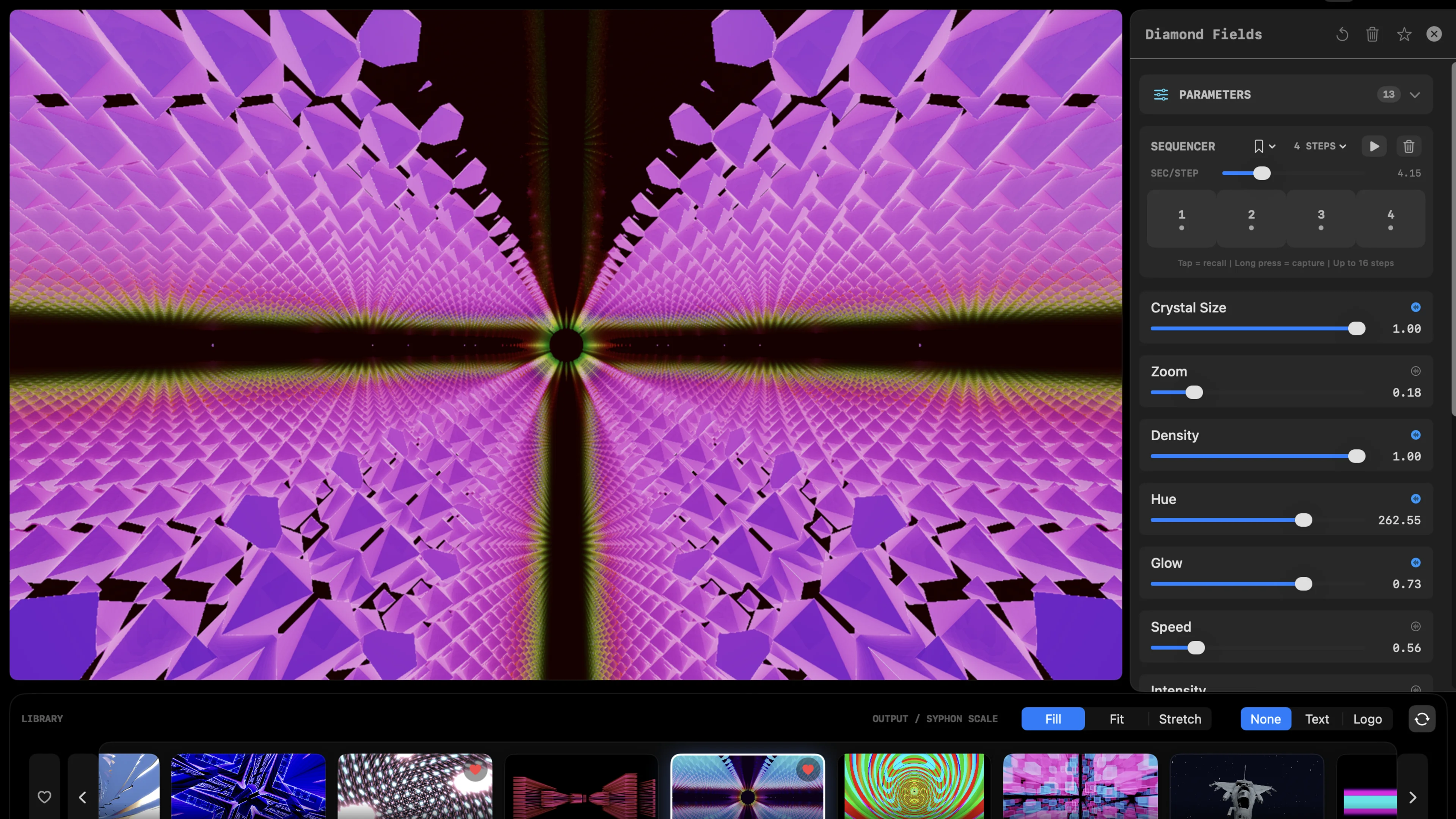
Create Mode exposes shader parameters, sequencer states, audio modulation, and post effects in one interface, so you can shape the look without leaving the app.
Prices are sourced from official vendor pages and re-verified August 2026 where vendors publish public pricing. Sale pricing and taxes can change, so source links stay visible.
| Software | Best for | Mac fit | Workflow | Public price | Source |
|---|---|---|---|---|---|
| RenderWave | Mac-native shader visuals, audio-reactive sets, DJ/VJ performance | Apple Silicon native, Metal 3, macOS 15+ | Ready shaders, Create Mode, Performance Mode, MIDI, Ableton Link, Syphon | $9.99/mo Studio with 14-day full-access trial, $99/yr, or $299 perpetual | RenderWave pricing |
| Resolume Avenue / Arena | Clip-layer VJing, touring show files, mature cross-platform workflows | macOS + Windows; demo removes limits after serial entry | Avenue for VJ mixing; Arena adds mapping, edge blending, DMX-oriented show tools | Avenue EUR 299; Arena EUR 799 for 1 computer | Resolume shop |
| VDMX6 / VDMX6 Plus | Modular Mac rigs and custom ISF-style setups | macOS 13+; Intel or arm64 processor | Layer-based modular Mac environment with custom UI, Syphon, NDI, OSC, DMX, and plugins | VDMX6 $199; VDMX6 Plus $349 | VIDVOX store |
| MadMapper | Projection mapping, LED mapping, venue installation control | macOS 11+ minimum and Windows 10+ minimum | Mapping-first tool for surfaces, LEDs, fixtures, scanners, and temporary installations | Free try mode; rental from EUR 39/mo excl. tax; perpetual from EUR 399 excl. tax | MadMapper pricing |
| Modul8 v3 | Classic Mac-only live video mixing | macOS only; M-series support via Rosetta; vendor documents v3 compatibility up to macOS Tahoe 26 | Layer-based live video mixing with module library and project workflow | Free demo; EUR 299 + tax for 2 computers (historical list price; verify at m8shop.garagecube.com) | garageCube Modul8 shop |
| Magic Music Visuals | Low-cost generative music visuals and live performance edition | macOS + Windows app; try free demo first | Studio for visualizers; Performer adds VJ/DJ/live-musician features | Studio $44.95; Performer $77.95 for 1 computer (vendor site, May 2026 — verify on magicmusicvisuals.com) | Magic purchase page |
| Synesthesia | Music visualizer sets, shader scenes, and pro routing with Syphon/NDI | macOS + Windows; Apple Silicon supported by vendor download page | Scene library, MIDI, custom scenes, and Pro routing features | Free watermarked trial; Standard list $199, Pro list $399; discounts vary | Synesthesia pricing |
| CoGe VJ | Legacy users only | Not a current Mac buy target; official post says it does not work beyond macOS 10.14 Mojave | Development stopped; existing licenses continue for old systems | No current purchase price surfaced; treat as discontinued for 2026 buying | Imimot farewell post (archived) |
RenderWave is Apple Silicon only. MacBook Neo works as a starter rig at modest settings; pick an M-series Pro, Max, or Ultra Mac for 4K output, Syphon routing, and heavier sets.
RenderWave gives you the practical path first: download, pick a shader, sync audio, map controls, route output. The paid monthly plan starts with a 14-day full-access trial.
Card required for the full-access trial. Cancel before day 15 and you won't be charged.
Fast answers for the questions people actually ask before putting visuals on a Mac rig.
The best Mac VJ software depends on the show you are building. RenderWave is strongest when you want a Mac-native shader engine with ready visuals, per-band audio reactivity, Ableton Link, MIDI control, Syphon output, and 8K output on Apple Silicon.
RenderWave has a free tier with the full shader catalog, no watermark, and 720p output. The 14-day full-access trial adds 8K output, Syphon, and custom overlays. Card required for the trial; cancel before day 15 and you will not be charged. After that it's $9.99/mo, $99/yr, or $299 perpetual.
Yes. RenderWave runs on any Apple Silicon Mac or MacBook Neo on macOS 15 Sequoia or later. A base M-series Mac handles 720p to 1080p sets and rehearsals; move up to an M-series Pro for 4K and Syphon routing, or a Max or Ultra for 8K MetalFX output and heavier effect stacks. Newer M5-class chips add headroom for resolution and effects.
No. RenderWave is Apple Silicon only: an M-series Mac or MacBook Neo on macOS 15 Sequoia or later. Intel Macs are not supported.
RenderWave supports standard MIDI input for triggering presets and mapping controls. It also includes dedicated LED feedback support for Launchpad-style performance control and APC40 mkII workflows.
Yes. RenderWave outputs Syphon natively, so it can act as the live visual source for Syphon-aware mapping, compositing, and capture workflows.
Yes. RenderWave supports Ableton Link for beat and bar phase sync, so visuals can stay locked to the tempo of a live music setup.
Shaders, effects, MIDI, audio, Syphon, and output details
Monthly trial, annual, and perpetual options
Shader-first Mac workflow compared with clip-layer VJing
Ready shader engine compared with modular Mac VJ building
Live shader engine vs projection-mapping standard
Performance rig compared with generative music visuals
How the Metal kernel architecture behind RenderWave actually works
Every Mac visualizer worth installing, and when to graduate to VJ software