
RenderWave
Native- Apple Silicon native
- Yes: Metal-compute from line one
- Engine
- Native Swift + Metal 3
- Performance
- Direct-to-Metal path; no translation overhead
- macOS Tahoe
- Yes
Apple Silicon · Last updated May 2026
RenderWave was built natively on Apple Silicon and Metal 3 from line one, not ported. While Resolume, VDMX, Modul8, and TouchDesigner ported their engines to Metal as a compatibility layer, RenderWave's compute kernels, audio analysis, and shader pipeline were authored from line one for the M-series GPU.
Requires an Apple Silicon Mac (M-series Mac or MacBook Neo) and macOS 15 Sequoia or later.
Architecture
Most VJ apps that run on a Mac today were not born on a Mac. They have decades of cross-platform code underneath them (OpenGL, DirectX, Vulkan, GLSL) and Metal got bolted on later. That's a perfectly reasonable engineering choice if you have a Windows-paying user base to keep happy. But it has a cost: every frame, the engine is translating from a portable abstraction to whatever the host GPU expects. On Apple Silicon, every cycle spent in translation is a cycle not spent on shader work.
The pattern shows up in vendor statements you can read for yourself. Resolume's own community forum has long acknowledged that Metal on Mac is a compatibility target rather than the engine's home turf. VDMX shipped a Metal-backed pipeline starting with VDMX6, improving M-series performance significantly, but the engine traces its lineage back to a Cocoa/OpenGL era. TouchDesigner runs on Mac through MoltenVK, the Khronos-blessed Vulkan-to-Metal translation layer; it works, and it works well, but it is by definition a translation. Modul8 v3, still in active sale at the time of writing, requires Rosetta on Apple Silicon and has been explicitly called out by garageCube as incompatible with macOS Tahoe.
RenderWave doesn't carry any of that history. Every kernel is an MTLComputeCommandEncoder dispatch. Every shader compiles ahead-of-time for the specific M-series GPU it'll run on. Every texture in the render graph is zero-copy from a CVPixelBuffer: unified memory is exploited, not worked around. The audio analyzer uses Accelerate / vDSP directly. The signing-and-licensing path is Swift. The UI is SwiftUI.
This isn't a marketing distinction. Cross-platform engines on the same hardware spend more of their per-frame budget on translation overhead, regardless of how well they're optimized otherwise.
Vendor architecture claims summarized from public forum posts, GitHub repos, and official support pages. See the citation block below for primary sources.
Upscaling
RenderWave renders the shader pipeline at native 4K, then upscales to 8K using Apple's MetalFX framework. Two MetalFX modes are exposed: spatial upscaling (lower latency, single-frame) and temporal upscaling (higher quality, uses motion vectors from the shader pipeline). The choice is automatic based on the active output and what the source shader supports.
MetalFX upscaling is a first-party Apple API designed for exactly this kind of workload: render less, present more. On M3 and newer GPUs it makes 8K live output practical from a laptop. On M2 it gives you a comfortable 4K render budget while still feeding an 8K display target.
Primary reference: developer.apple.com/documentation/metalfx.
Display sync
On ProMotion-capable Macs and external displays, RenderWave syncs to the active refresh rate via CAMetalDisplayLink with adaptive frame pacing. The render loop targets the display's preferred frame rate (120Hz on ProMotion, 60Hz on standard displays, 144Hz on supported third-party panels) without burning power chasing a refresh the panel can't show.
Variable refresh rate is supported on displays that report it. For projector / club setups with a fixed 60Hz output, RenderWave clamps cleanly and uses the saved GPU headroom for more shader stack depth instead of dropped frames.
Primary reference: developer.apple.com/documentation/quartzcore/cametaldisplaylink.
macOS 15 Sequoia is the minimum; macOS 26 Tahoe is a supported target. RenderWave is Apple Silicon only; there is no Intel build.
| Chip family | macOS 15 Sequoia | macOS 26 Tahoe |
|---|---|---|
| M1 / M1 Pro / M1 Max / M1 Ultra | Supported (1080p / 4K) | Supported (1080p / 4K) |
| M2 / M2 Pro / M2 Max / M2 Ultra | Recommended | Recommended |
| M3 / M3 Pro / M3 Max | Recommended (8K via MetalFX) | Recommended (8K via MetalFX) |
| M4 / M4 Pro / M4 Max | Recommended (8K via MetalFX) | Recommended (8K via MetalFX) |
| M5 / M5 Pro / M5 Max | Recommended (8K via MetalFX) | Recommended (8K via MetalFX) |
macOS 15 Sequoia or later required on every chip family; macOS 26 Tahoe is a supported target.
Practical
Lower frame-time variance means the show doesn't hitch on the drop. Cross-platform engines tend to spike when an effect chain crosses an internal translation boundary: a particular blend mode, a feedback loop, a state change. RenderWave's pipeline doesn't have those boundaries because there's no translation step.
Power draw matters on a festival run. Low sustained power draw on M3 Max means an unplugged MacBook Pro can run a real set without throttling. Cross-platform engines burn more headroom on translation, so you trip thermal limits sooner.
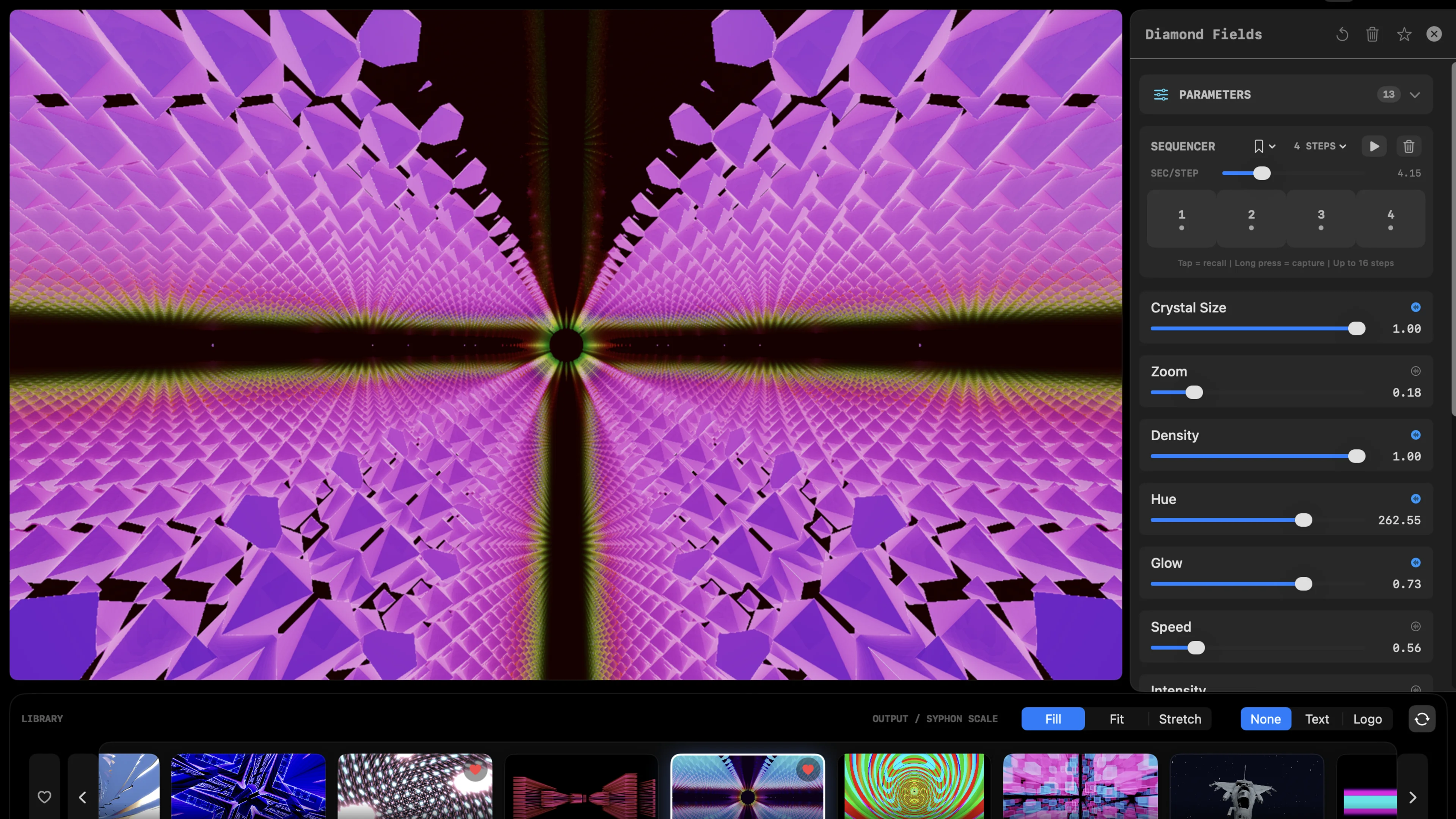
There's also more room in your effect stack. On an M3 Max, RenderWave's frame budget is large enough to run a 3D raymarched scene + bloom + feedback + RGB split + Syphon out without breaking a sweat. That's a layered look you can't get on a laptop with a translation tax.
And with no Rosetta, there are no compatibility quirks. Modul8 v3 users have lived with Rosetta on Apple Silicon for years, and have now hit the wall on Tahoe per garageCube's own statements. RenderWave skips all of that: it's the same arm64 binary all the way down, and macOS 26 is a supported target.
Architecture, native status, and macOS 26 Tahoe support. Engine claims sourced from each vendor's official support pages; re-check directly before buying.
| App | Apple Silicon native | Engine | Performance | macOS Tahoe |
|---|---|---|---|---|
| RenderWave | Yes: Metal-compute from line one | Native Swift + Metal 3 | Direct-to-Metal path; no translation overhead | Yes |
| VDMX6 | Universal binary (Apple Silicon + Intel) | Mixed: Metal port over historical OpenGL/Cocoa pipeline | Improved on M-series vs Intel; depends on installed ISF set | Per vendor support page |
| Resolume Arena | Apple Silicon native (with FFGL plugins as Universal) | Cross-platform engine; Metal on Mac, DirectX on Windows | Strong, but Metal is the lowest common denominator on Mac per vendor forums | Per vendor support page |
| Modul8 v3 | Rosetta required on Apple Silicon | Legacy Mac engine | Constrained by Rosetta translation overhead | Not supported per vendor |
| TouchDesigner | Apple Silicon support via Universal builds | MoltenVK (Vulkan-to-Metal translation) on Mac | Translation overhead vs native Metal; depends on patch | Per vendor support page |
| MadMapper | Apple Silicon native | Cross-platform mapping engine | Strong for mapping; not a shader-stack target | Per vendor support page |
Engine descriptions summarized from public vendor statements. Specs change; check the vendor's page for the current picture.
Architectural claims on this page are anchored to first-party documentation. Follow any link for the current details.
Full Metal 3 pipeline, MetalFX 8K output, ProMotion sync, and the complete 85-shader library. M1 through M5, macOS 15 Sequoia through macOS 26 Tahoe.
Card required for the trial. Cancel before day 15 and you will not be charged.
What VJs ask before committing to an Apple Silicon-only engine.
Yes. Every kernel and every shader is Metal-compute, authored natively for the M-series GPU. There is no Rosetta translation, no MoltenVK / Vulkan bridge, and no OpenGL-to-Metal compatibility layer.
No. RenderWave is direct-to-Metal with no translation layer. The render path uses MTLComputeCommandEncoder and MTLRenderCommandEncoder against the Apple Silicon GPU directly.
M1, M2, M3, M4, and M5 Macs running macOS 15 Sequoia or later.
No. RenderWave requires Apple Silicon. Many of the performance gains (unified memory zero-copy textures, on-tile shading, Accelerate/vDSP audio analysis) only exist on M-series hardware.
Yes. RenderWave's published minimum is macOS 15 Sequoia or later, and macOS 26 Tahoe is a supported target.
RenderWave's Metal-compute kernels avoid the OpenGL-to-Metal compatibility tax that affects Resolume, VDMX5-era pipelines, and other engines ported from cross-platform codebases. Expect lower frame-time variance, lower power draw, and headroom to stack more effects at 4K.